
Small help, meaningful connections
Report a loss
Add a photo, description, location and date so others know what to look for.
Share a find
Help a lost item reach its owner with a found-item report.
Search with context
Narrow your search by category, location and date.
Keep details private
Exchange anonymous messages without revealing the owner's private contact details.
Tag your belongings
Smart QR tags link belongings to a page where finders can message their owner.
Stay in touch
Receive email notifications when a new message arrives.
A way to help
Whether you've lost something, found something or want to tag a belonging, there's a place to start.
Lost something
Create a report with a photo and the details of where and when it went missing.
Found something
Share a photo, location, date and short description to help its owner find it.
Look for matches
Search listings by category, location and date, then check the item's details.
Use QR tags
Register a unique tag to an item. A finder can scan it to send an anonymous message.
From lost to connected
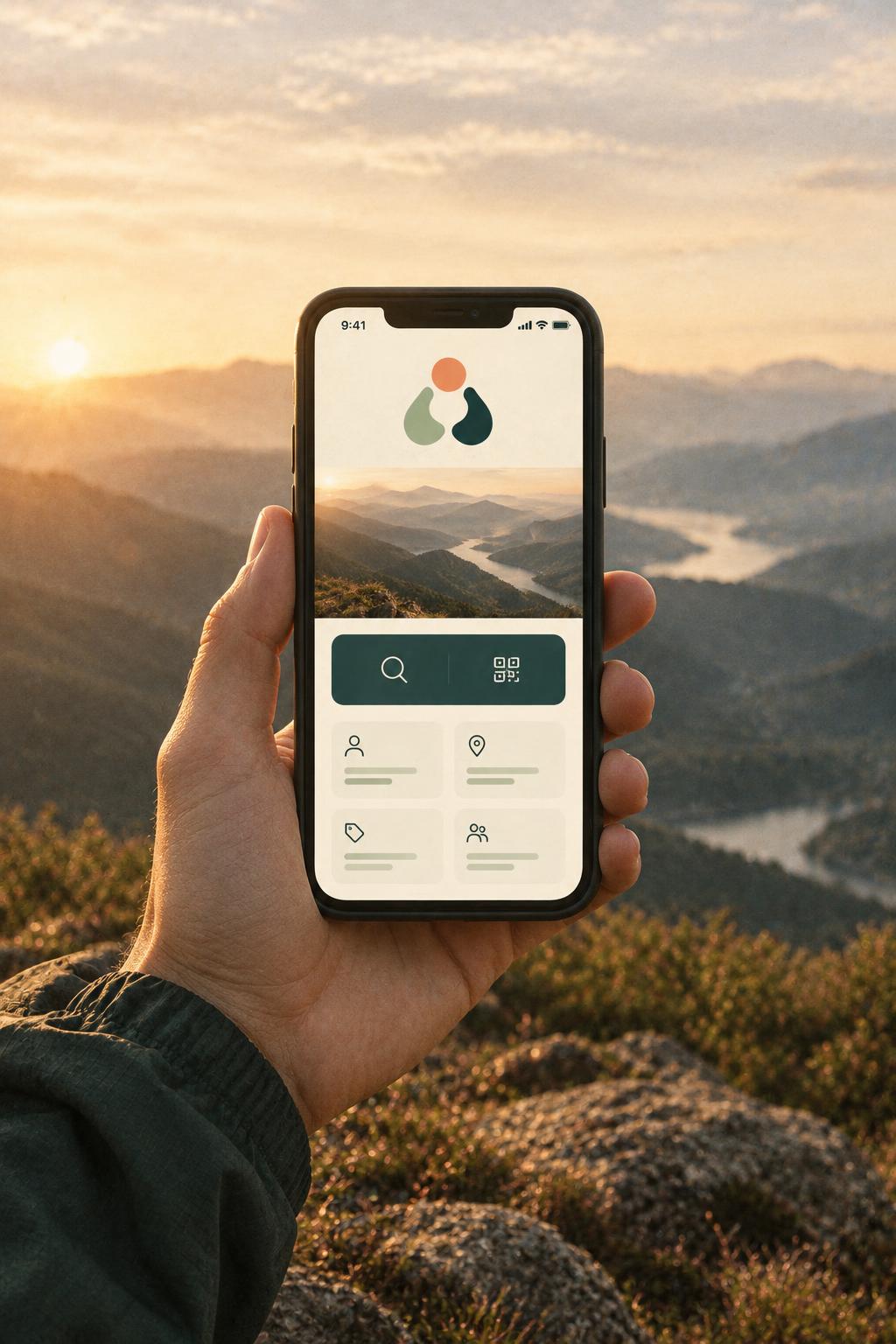
- 1
Share the details
Report a lost or found item with its photo, category, location and date.
- 2
Check possible matches
The platform compares reports and notifies both people when there's a possible match.
- 3
Confirm and connect
Confirm the item is yours and use anonymous messages to arrange its return.
A little clarity
What does a QR scan reveal?
A finder opens the item's page and can send an anonymous message. The public QR page does not show the owner's name, address or phone number.
Can I delete my data?
You can delete your account and data. Public item information is limited, and private contact details stay hidden from finders.
Do I need a mobile app?
The platform works in a web browser on iPhone, Android, tablets and computers. No separate iOS or Android app is needed.
Does a match prove ownership?
No. Matches are suggestions based on category, description, location and date. You must confirm the item is yours; sensitive belongings use private questions to check ownership.
How do I activate a QR tag?
Once you have a tag, register an account, scan its code and add an item description. You can deactivate or reactivate the tag, or change its owner.
LOST & FOUND
A little help brings us closer.
Basic access is coming soon—a way to help a lost belonging find its way home.